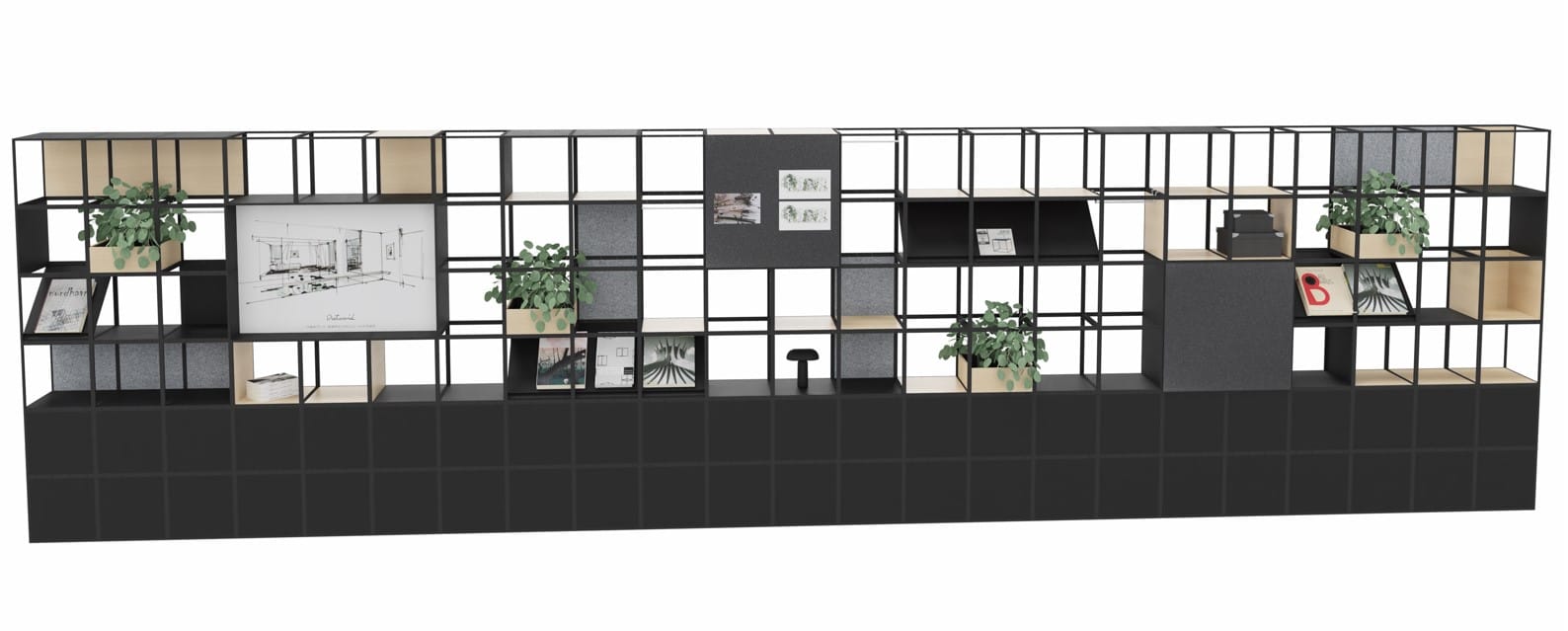
Dream up your own designs with GRID system in pCon
Why use pCon?
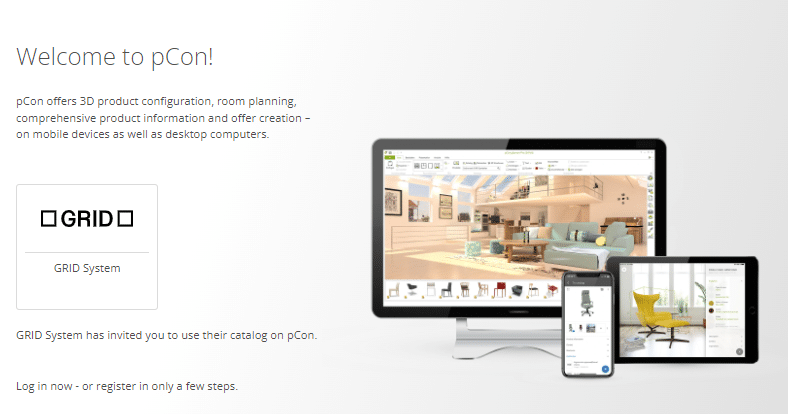
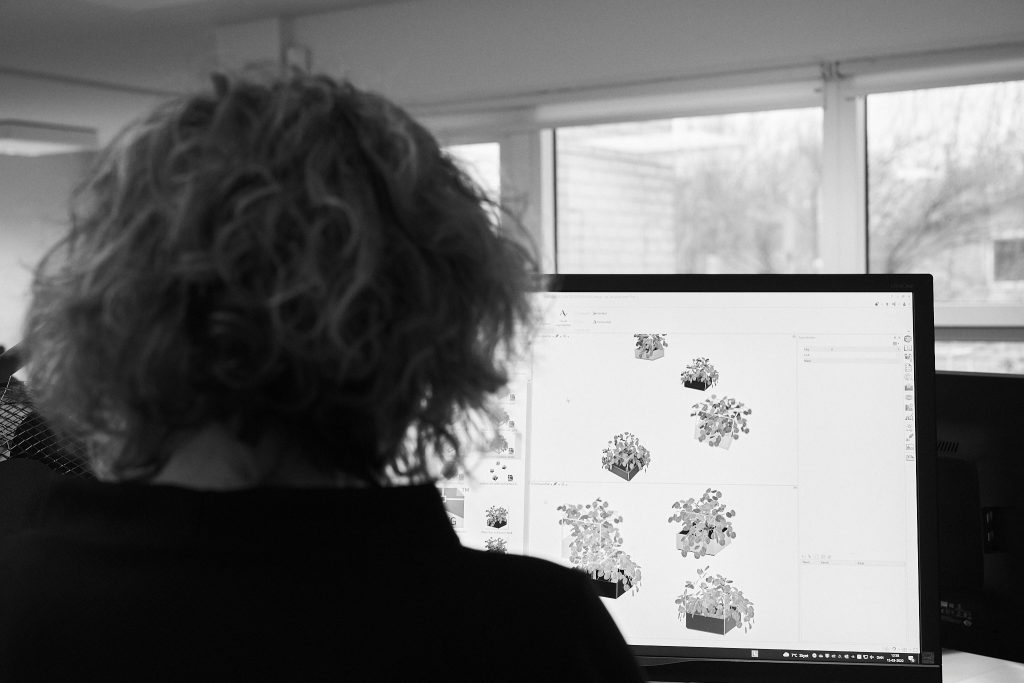
pCon-Planner is a popular tool for professionals in the world of interior design. Its robust 3D planning features allow designers to visualize and modify spaces down to the smallest detail.
With GRID, it gives you the chance to explore endless possibilities in your office designs—whether you’re working with small, medium, or large-scale spaces.
How to work with the GRID catalogue and OFML data
You can easily drag and drop GRID elements into your designs. Whether you’re reimagining a dynamic workspace, building a modular lounge, or designing multifunctional meeting rooms, the system’s versatility allows for seamless customization.With pCon.planner, you can draw your floorplan, insert materials, and add high-quality furnishings from manufacturer catalogs, like GRID. To bring your design to life for presentations, you can create a render for realistic visualizations.
This tool assists architects, interior designers, facility managers, dealers, and end-users in furnishing spaces with 3D space planning, product configuration, and precise quotations.
You can use pCon.planner Standard (free) or pCon.planner PRO.
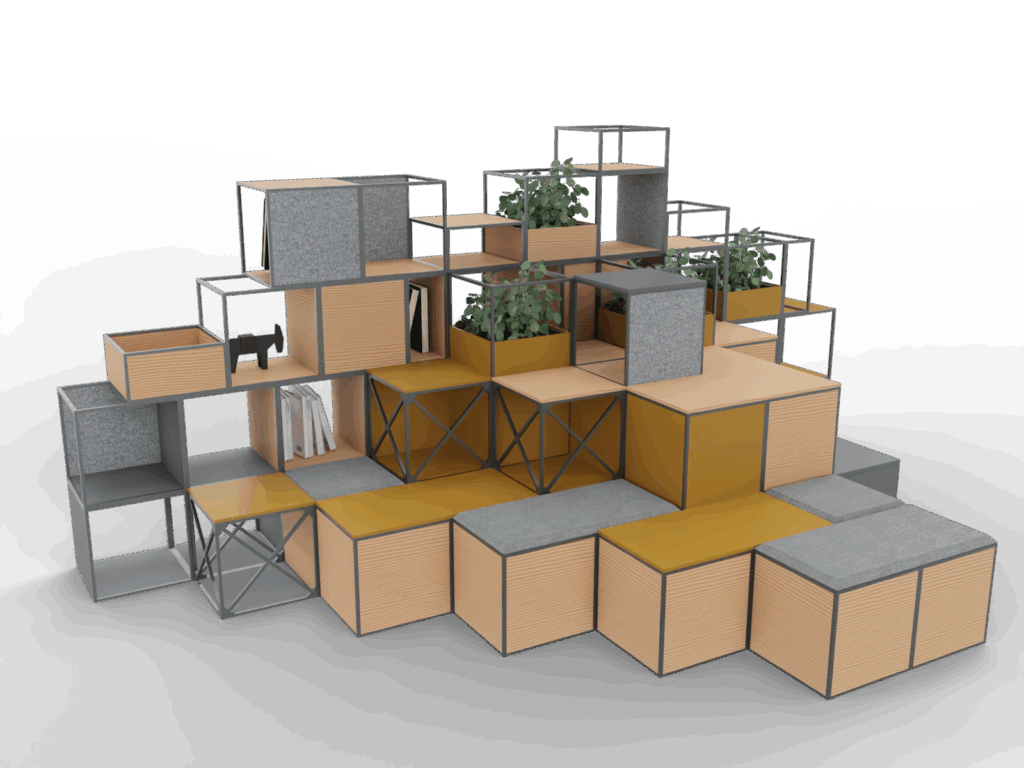
Designing flexible, modular office spaces is easy with ready-made GRID configurations available in the pCon catalogue. For those seeking efficient, adaptable interior solutions, that will fit your project and takes no time to visualize, the configurations are ready to be browsed and simply dropped into your existing designs, and then edited at your leisure.
Get your designs done quickly with sections
Want to get a head start on your designs to deliver quickly on a project?
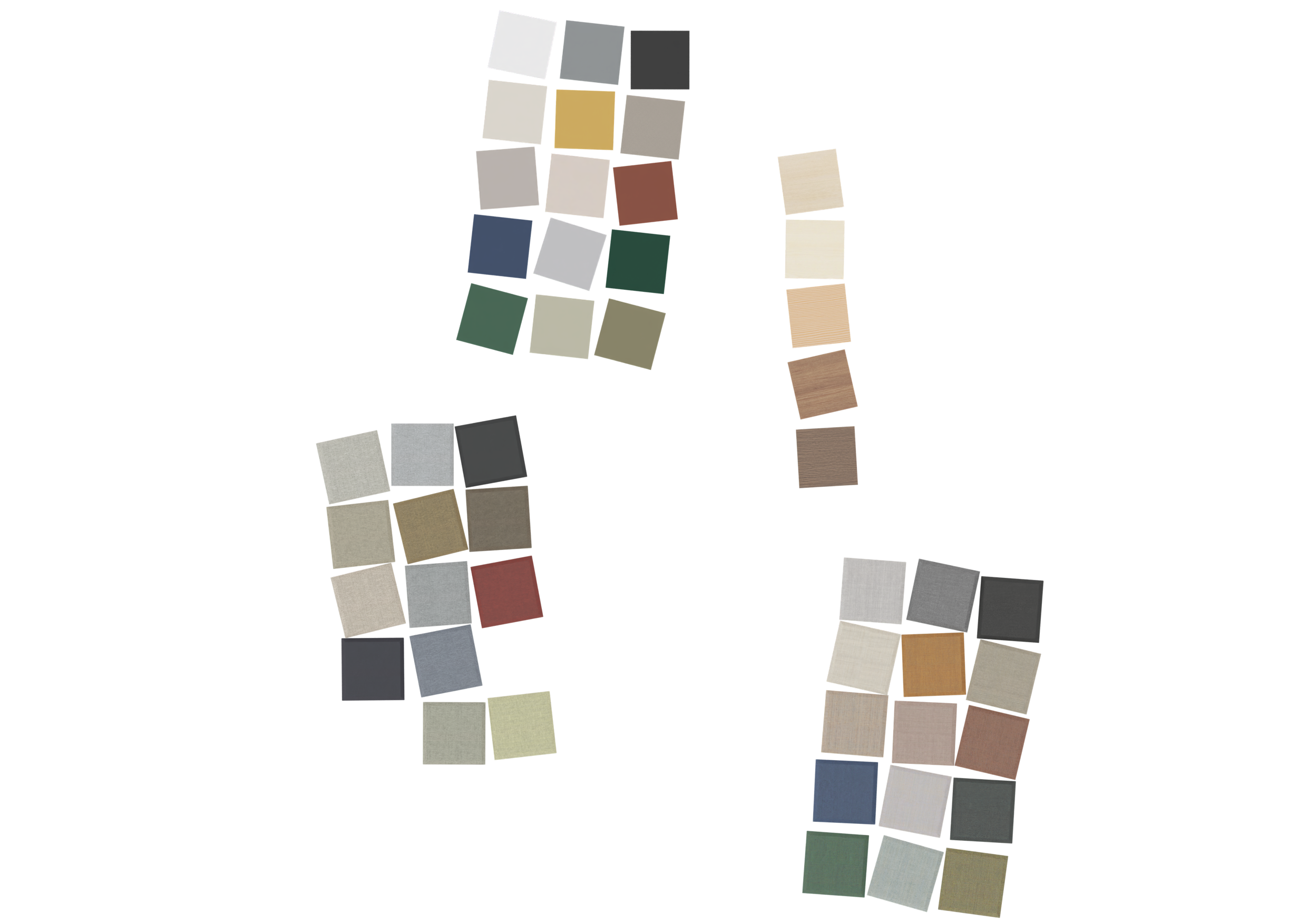
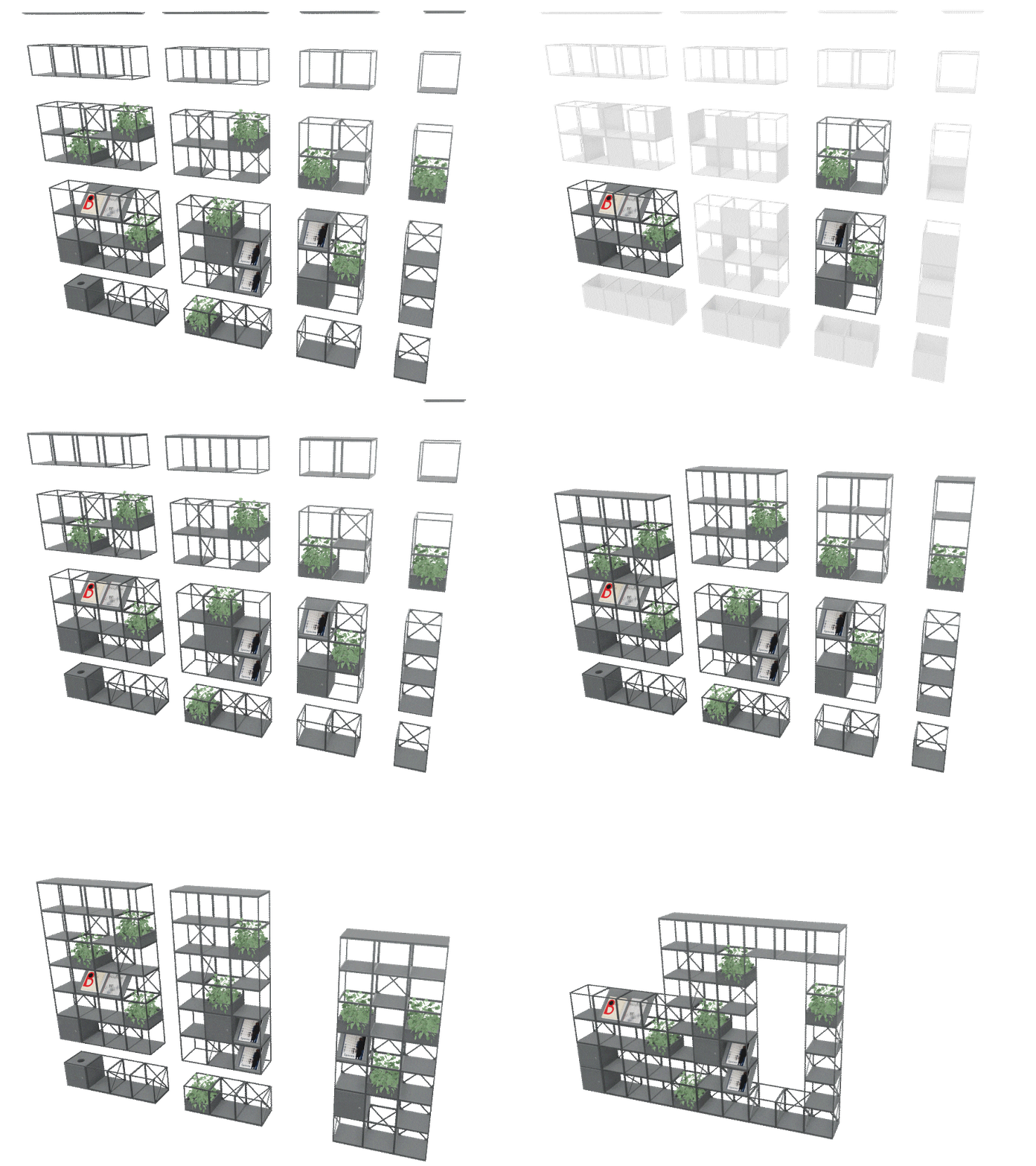
We’ve designed optimized sections to let you get rough or precise concepts on the drawing board quickly. Start with an overall colour theme and plug together and delete at your convenience – the sections slot together in a stylish and sturdy manner.
Working in pCon.Basket?
You are able to order your GRID system as pre-assembled sections, labelled and packed on pallets making the final assembly on site quite easy.
The pre-assembly – our article number AP – is added to the article list by default in your drawing.
If you have questions about pre-assembly (AP), please contact our design team at grid@gridsystem.dk.